
I Plan Every Group Trip. Here’s How I Stopped Rebuilding the Itinerary
I love planning. I dreaded maintaining the plan.
I am the friend who enjoys turning a pile of ideas into a trip. After every holiday, someone says, “Next time, we're going with you again.” I smile, because I love that they enjoyed it. I also know what “going with me” usually means: the hotel, flights, tickets, meal ideas, and final schedule will end up in my document.
Booking and comparing prices were never the hardest part. The hard part was keeping the itinerary accurate after everyone started sending information from different places. A hotel confirmation lived on one platform, flights on another, attraction tickets somewhere else. Then a friend would write, “I booked a restaurant,” in the group chat. I copied each detail into a document and formatted it so everyone else could understand it.
One small change used to mean rebuilding everything
I enjoyed researching routes and checking whether a day was realistic. Then a flight moved, an attraction changed its opening time, or someone added a day. In my document, one change moved the next event, changed the cost, and broke the layout. By the time I had fixed every line and sent the file again, it felt like planning the trip twice.
Friends would open the updated document, say “Got it,” and move on. That was fair: they were on holiday, not volunteering to maintain my spreadsheet. I still needed a way to give them a clear, current plan without recreating the whole thing.
Now I change a few entries and send one new image
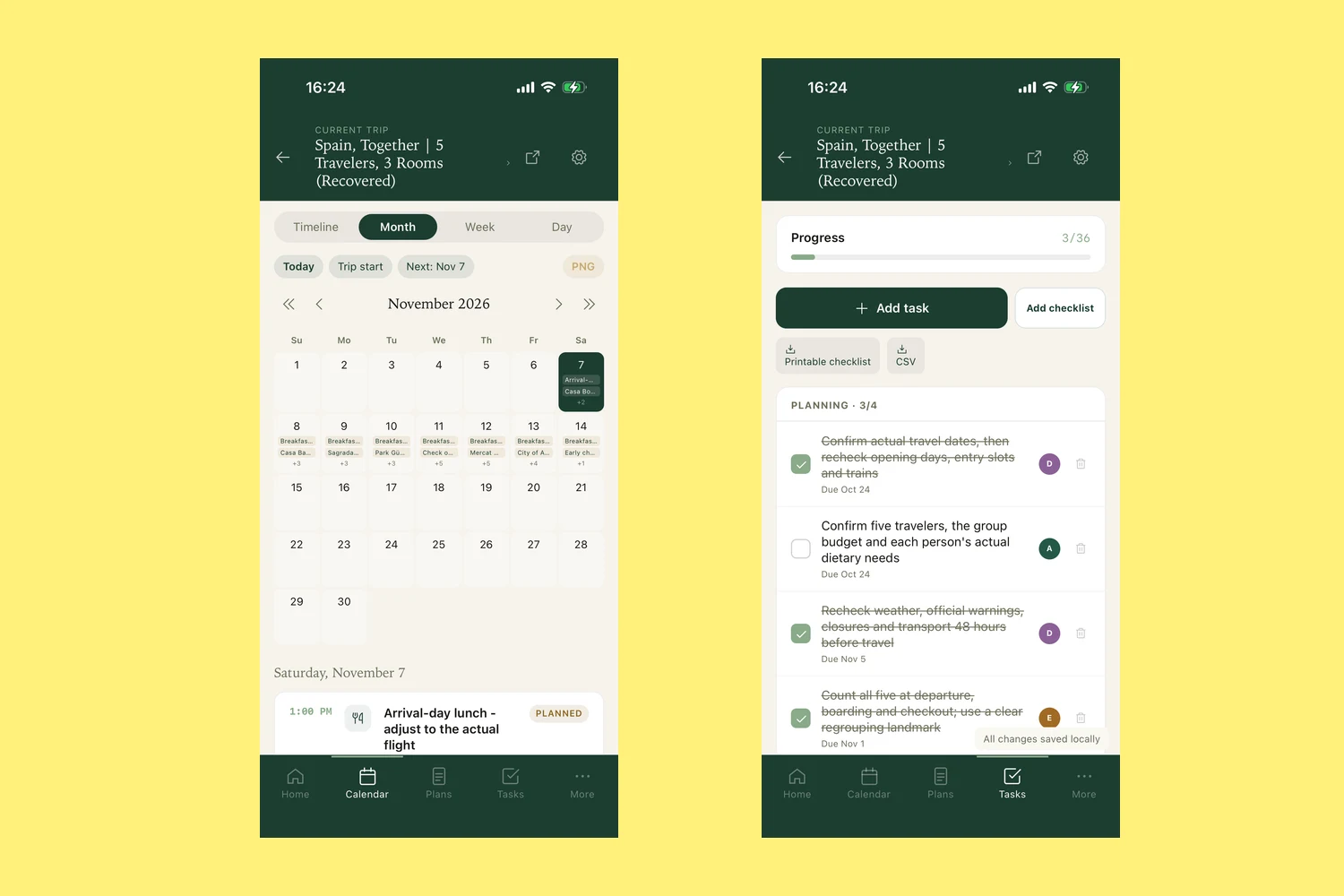
That is how I came to use GoRoamIt. I keep activities, places, times, notes, and costs together in one trip. If a flight changes, I update the affected records. Then I export an itinerary image, check that the dates and meeting points are readable, and send it to our WeChat or WhatsApp group: “Updated plan—please use this image.”
For a longer trip I can use a PDF, and a calendar file is there when someone wants a one-time import. I usually choose the image because it fits the way my friends already communicate. I no longer have to lay out the entire document again just to move a few plans. For practical format choices, I also use the itinerary sharing guide.
It is a simpler handoff, not live collaboration
I do not want to pretend this gives the group a shared live itinerary. GoRoamIt does not automatically sync trip edits between our devices, and an exported image does not update itself. My friends cannot edit my local trip through a link. If I change the plan, I export again and mark the new copy clearly.
Before sending, I open the image and check what it reveals. The group needs times and meeting points, not passport details, private notes, or booking codes. Different export formats contain different information, so I review the actual file. The latest dated image is the one I ask everyone to use.
Questions friends ask me about this workflow
How do I share an updated group itinerary without making everyone install an app? I export an image or PDF, add the update date, and send it in the group chat we already use. Recipients can read the static copy without a GoRoamIt account.
Does an exported image update when I edit the trip? No. I export a new image after each meaningful change and say which version replaces the old one.
Can everyone edit the same GoRoamIt trip at once? No. I keep the working trip on my device. This suits my group, but a team that needs simultaneous editing should choose a live collaboration tool.
What if the trip has more than one day? I select the relevant dates when exporting images and check that every intended page is included and legible.
I still organize the trip. I no longer redo the whole plan.
When friends say “Next time, we'll go with you,” I still say yes. A schedule change no longer means opening a chaotic document and starting again. I update the records, send a fresh image, and write, “Use this latest one.” Planning feels enjoyable again.
If you also organize trips for friends, see GoRoamIt Trip Edition on Payhip for the installable trip planner, or explore the GoRoamIt download options. I would start with one real trip and one small update, then decide whether this way of sharing fits your group.